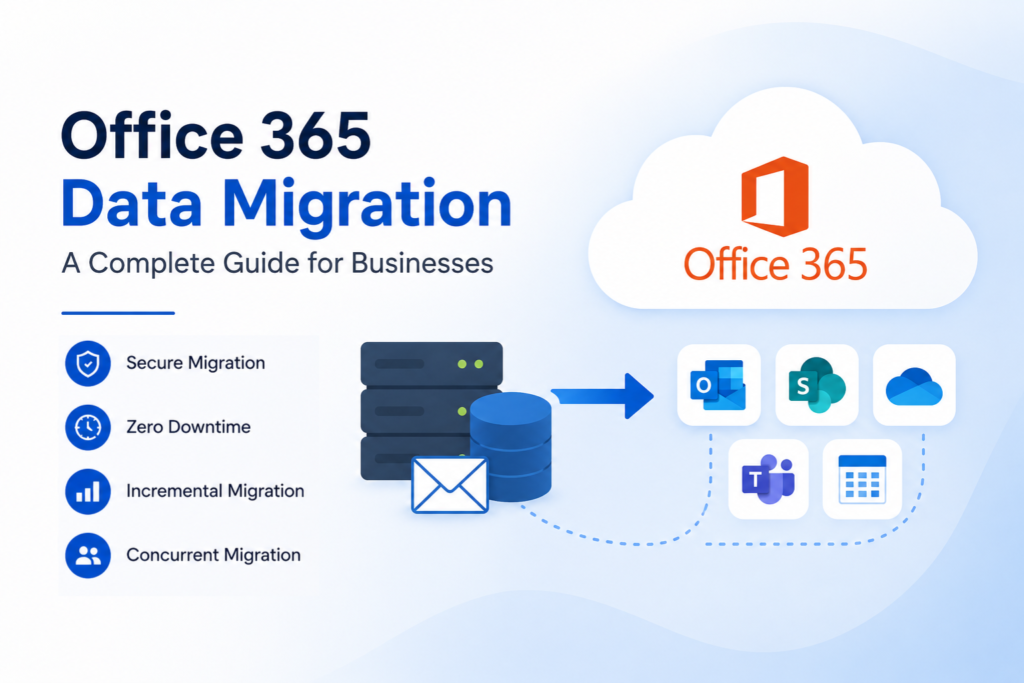
As organizations continue moving their workloads to the cloud, Microsoft 365 has become one of the most widely adopted platforms for business communication and collaboration. However, migrating mailboxes, user data, and email systems to Microsoft 365 requires careful planning and execution to avoid disruptions, data loss, and security risks.
Office 365 migration services help organizations move emails, calendars, contacts, archives, and other mailbox data from various source environments into Microsoft 365. Whether you’re migrating from Exchange Server, Google Workspace, IMAP servers, hosted email platforms, or another Microsoft 365 tenant, a structured migration approach is essential for a successful outcome.
This guide explains what Office 365 migration services are, why businesses use them, common migration scenarios, challenges, and best practices for ensuring a smooth transition.
What Are Office 365 Migration Services?
Office 365 migration services are professional solutions and processes designed to transfer mailbox data from existing email systems to Microsoft 365.
These services typically include:
- Mailbox migration
- Email transfer
- Calendar migration
- Contact migration
- Public folder migration
- Archive mailbox migration
- Tenant-to-tenant migration
- User mapping and validation
- Post-migration verification
The primary goal is to ensure that users can continue working with minimal interruption while maintaining the integrity of their mailbox data.
Why Organizations Migrate to Microsoft 365
Businesses choose Microsoft 365 for several reasons, including scalability, security, and productivity.
Some common drivers include:
Improved Collaboration
Microsoft 365 integrates Outlook, Teams, OneDrive, SharePoint, and other productivity tools within a single platform, making collaboration easier across departments and locations.
Enhanced Security
Microsoft 365 offers advanced security capabilities such as multi-factor authentication, threat protection, compliance controls, and data loss prevention features.
Reduced Infrastructure Management
Organizations can eliminate the need to maintain on-premises email servers, reducing hardware costs and administrative overhead.
Flexible Access
Users can securely access emails and business applications from desktops, laptops, tablets, and mobile devices.
Business Continuity
Cloud-based services provide greater availability and disaster recovery capabilities compared to traditional on-premises environments.
Common Office 365 Migration Scenarios

Every organization has unique migration requirements. Some of the most common migration projects include:
Exchange Server to Microsoft 365
Organizations running on-premises Exchange Server often migrate to Microsoft 365 to reduce infrastructure costs and simplify management.
Google Workspace to Microsoft 365
Businesses moving from Google Workspace frequently migrate emails, calendars, and contacts to Microsoft 365 to standardize on Microsoft’s productivity ecosystem.
IMAP to Office 365 Migration
Organizations using hosted email platforms or legacy mail systems often migrate mailboxes using the IMAP protocol.
Tenant-to-Tenant Migration
Mergers, acquisitions, and organizational restructuring frequently require mailbox migration between Microsoft 365 tenants.
PST to Microsoft 365 Migration
Legacy PST files can be imported into Microsoft 365 mailboxes to centralize user data and improve accessibility.
Challenges During Office 365 Migration
Although Microsoft 365 migration provides significant benefits, organizations often face technical challenges during the process.
Large Mailbox Sizes
Migrating large mailboxes can increase migration time and place additional load on network resources.
Data Integrity Risks
Improper migration methods may result in missing emails, incomplete folders, or metadata inconsistencies.
Authentication and Permissions
Modern Microsoft 365 environments require proper authentication and permissions to ensure secure mailbox access during migration.
Migration Downtime
Poor planning can lead to disruptions that impact user productivity and business operations.
Mailbox Mapping Complexity
Organizations with hundreds or thousands of users must accurately map source mailboxes to destination accounts.
Performance Limitations
Migration speed may be affected by network bandwidth, server response times, mailbox size, and Microsoft 365 throttling policies.
How Professional Office 365 Migration Services Help
Professional migration services simplify complex migration projects by providing automation, validation, and reporting capabilities.
Key benefits include:
Automated Mailbox Discovery
Automatically identifies mailboxes and simplifies migration planning.
Secure Authentication
Supports modern authentication methods such as OAuth 2.0 for secure access to Microsoft 365 environments.
Incremental Migration
Transfers only newly added or modified items during subsequent migration runs, reducing duplicate data transfers.
Advanced Filtering
Allows administrators to migrate specific folders, date ranges, users, or mailbox content.
Detailed Reporting
Provides migration reports that help administrators verify successful data transfer and troubleshoot issues.
Minimal User Impact
Reduces downtime and helps maintain business continuity during migration projects.
Key Features to Look for in an Office 365 Migration Solution
Selecting the right migration solution is critical to project success.
Consider solutions that provide:
- Secure OAuth 2.0 authentication
- Incremental migration support
- Automatic mailbox mapping
- Advanced filtering capabilities
- Migration reporting and logging
- Large mailbox support
- Public folder migration
- Archive mailbox migration
- Cross-tenant migration support
- High migration accuracy
These features help reduce migration risks while improving efficiency and control.
Why EdbMails for Office 365 Migration?
EdbMails Office 365 migration software is designed to simplify mailbox migration projects of all sizes.
The solution supports migration from:
- Exchange Server
- Microsoft 365 tenants
- Hosted IMAP servers
- PST files
- Public folders
Key capabilities include:
- OAuth 2.0 authentication
- Incremental migration
- Automatic mailbox mapping
- Advanced filtering options
- Detailed migration reports
- Secure TLS-based communication
- Support for large mailbox migrations
EdbMails helps organizations migrate mailbox data while preserving folder structure, attachments, email properties, and metadata.
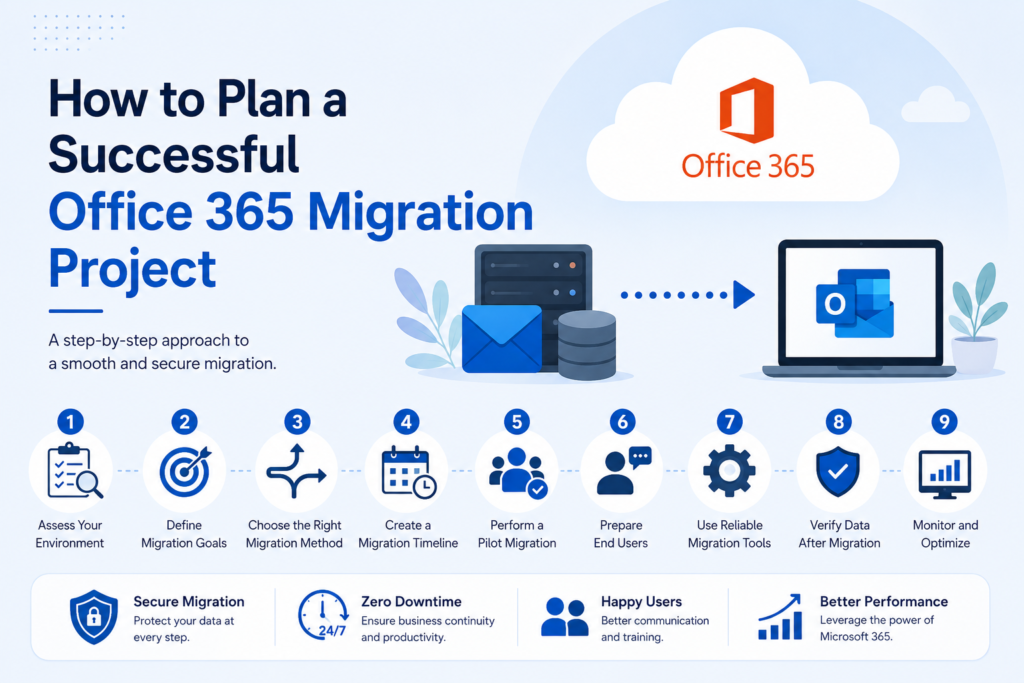
Best Practices for Successful Office 365 Migration

Following proven best practices can significantly improve migration outcomes.
Assess Your Environment
Review mailbox sizes, user counts, permissions, and migration requirements before starting.
Perform a Pilot Migration
Test a small group of mailboxes to identify potential issues before migrating all users.
Verify Permissions
Ensure administrative permissions and mailbox access rights are configured correctly.
Use Secure Authentication
Always use modern authentication methods and encrypted communication channels.
Monitor Migration Progress
Track migration status and review logs throughout the project.
Validate Migrated Data
Confirm that emails, folders, contacts, and calendars have migrated successfully.
Communicate with Users
Inform users about migration timelines, expected changes, and post-migration procedures.
Conclusion
Office 365 migration services play a critical role in helping organizations move their email infrastructure to Microsoft 365 securely and efficiently. Whether migrating from Exchange Server, Google Workspace, IMAP platforms, PST files, or another Microsoft 365 tenant, proper planning and the right migration tools are essential for success.
By using a reliable migration solution, following best practices, and validating results throughout the process, organizations can minimize risk, reduce downtime, and ensure a smooth transition to Microsoft 365. Solutions such as EdbMails help simplify complex migration projects by providing secure authentication, automated mailbox mapping, incremental migration, and comprehensive reporting capabilities.